User Access — IP Address Restriction
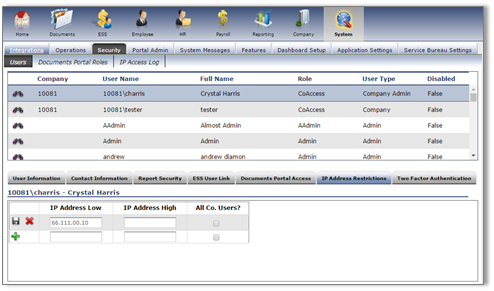
To restrict a user's access by only allowing their login from a specific IP address, access Security in ReadyPay Online either at the Company or System level. Select the user and go to the IP Address Restriction sub-tab.
To restrict a user to a single IP address, enter the address under IP Address Low and click the green + to add it. Repeat this if they have multiple access points.
If they will access ReadyPay Online from an address range (such as an office), enter the range as IP Address Low and IP Address High.
Questions?
Contact your Payroll Service Provider.