Employee: Personal | Information
The Information Tab is housed under Personal in the Employee section. It allows a user to review multiple components an employee's setup in one place.

The Information Tab provides a view only display of data from the following employee Data Collections.
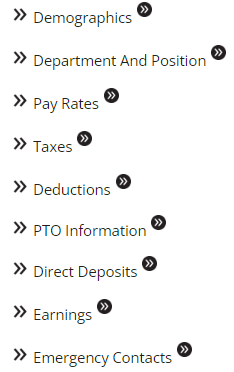
As necessary, the system may display messages regarding the employee being viewed at the top of the tab


Using the options on the Information Tab

Above the Data Collections is the Expand All function. Use this to open the display of every Data Collection.

Once selected, the Expand All function is renamed to Collapse All. Use this to close the Data Collections displays.

The name of each Data Collection is preceded by two right arrows. Click this to display the contents of the Data Collection.
The right arrows are now facing downwards. Click the down facing arrows to collapse the display of the Data Collection.
To the right of each Data Collection name is a field of two right arrows within a black circle. Click this to navigate to the tab associated with the Data Collection Name.