Company Setup: Misc | Rates
The Rates option in the Miscellaneous Tab in Company Setup is used to define the Rate Codes to be used by a company.
Each company must have a Rate Code called Base.
Rate Codes can be alpha, numeric or alphanumeric to meet the needs of the client.
Technically, there is no limit to the number of Rate Codes that can be setup on a client.
Company level Rate Code do not have any effect on the payroll calculation.
During the new company creation, Company Level Rates codes are copied from the template company used in the conversion job.
Adding a New Rate Code
Click the New (*) button. The "Enter new code" box will display.
Enter the new Rate Code in the provided field and click OK.

The Cursor is moved to the Description Field on the Code Setup Sun Tab.
Enter a description then save the record.
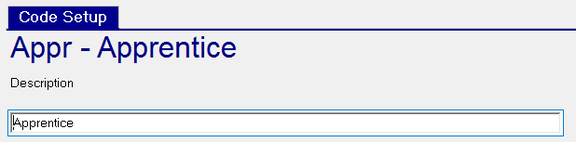
Repeat as needed.
The New Version (Calendar Icon) is not functional on this tab. It cannot be used to add new versions of existing Rate Codes.
Deleting Rate Codes
Select the Rate Code to delete and click the Delete (X) button.
If the Rate Code is in use elsewhere in the company, an "Object Error" Box will display.

Click the Details button in the Object Error Box to display the reason the Rate Code cannot be deleted. 
If possible, remove the items preventing the deletion. Otherwise, the Rate Code must continue to exist on the company.
If there is nothing in place to prevent the deletion, the following ReadyPay Payroll box is displayed.

Click Yes to complete the deletion.